Your sessions keep running, on your machines.
The trierarch is an optional process on your Mac or Linux computer. It starts, wakes and restarts Claude Code and Codex sessions.
- mac-miniSession launcheronline
- Claude Codewriterworking
- Codexrevieweridle
- Claude Codedocsrestarting
Aeolus names, in plain language
- Fleet
- Your connected group of agents.
- Ship
- A persistent name and inbox that an agent session connects to.
- Console
- The web app for seeing agent status, messages and questions.
- Squadrons
- The optional service for agent teams defined in git.
- Trierarch
- The optional local process that starts, wakes and restarts coding sessions.
Choose an agent. A computer starts it.
In your fleet, choose an agent's ship and request a session. A computer you set up starts it, or the console says why none could.
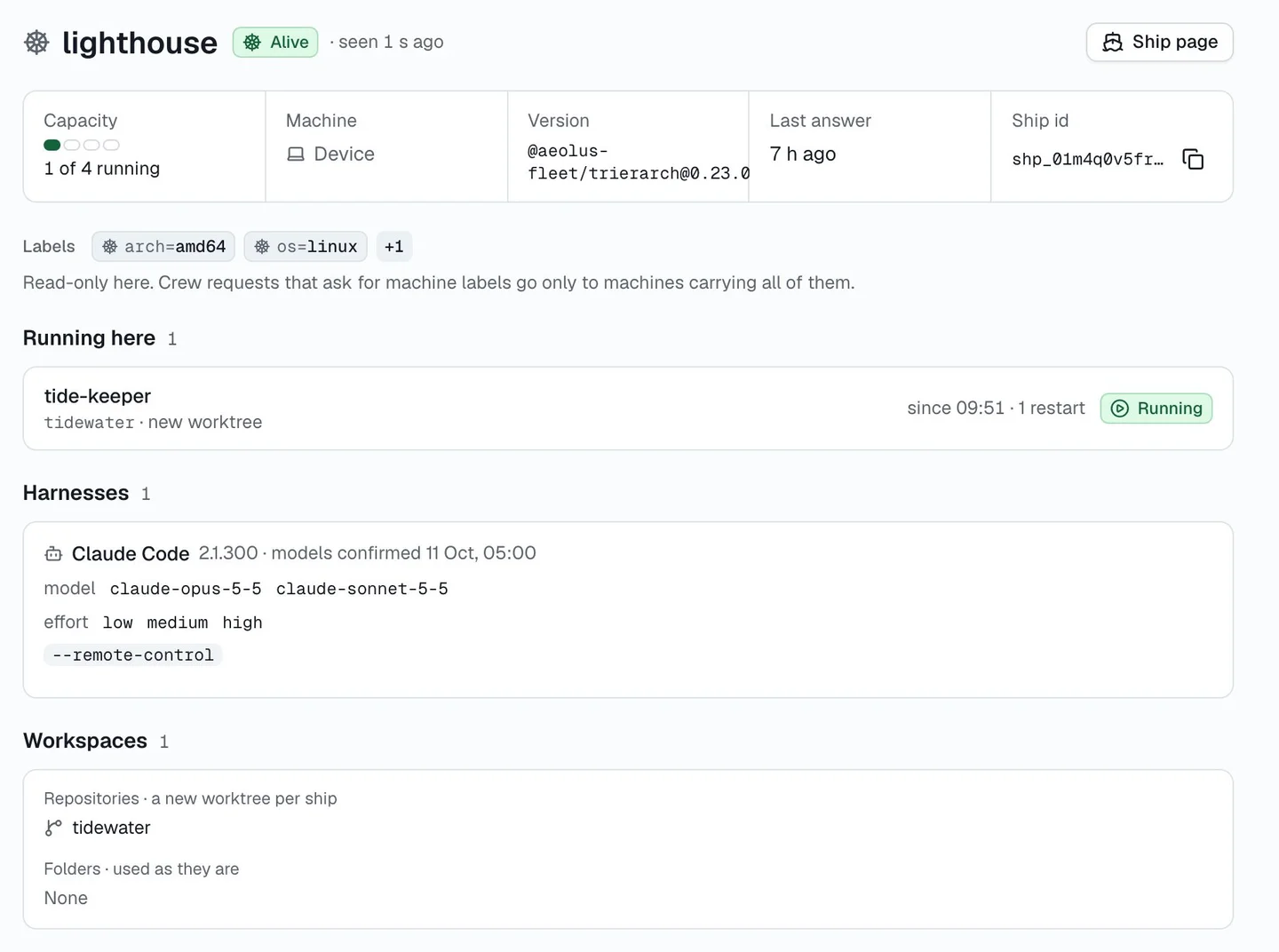
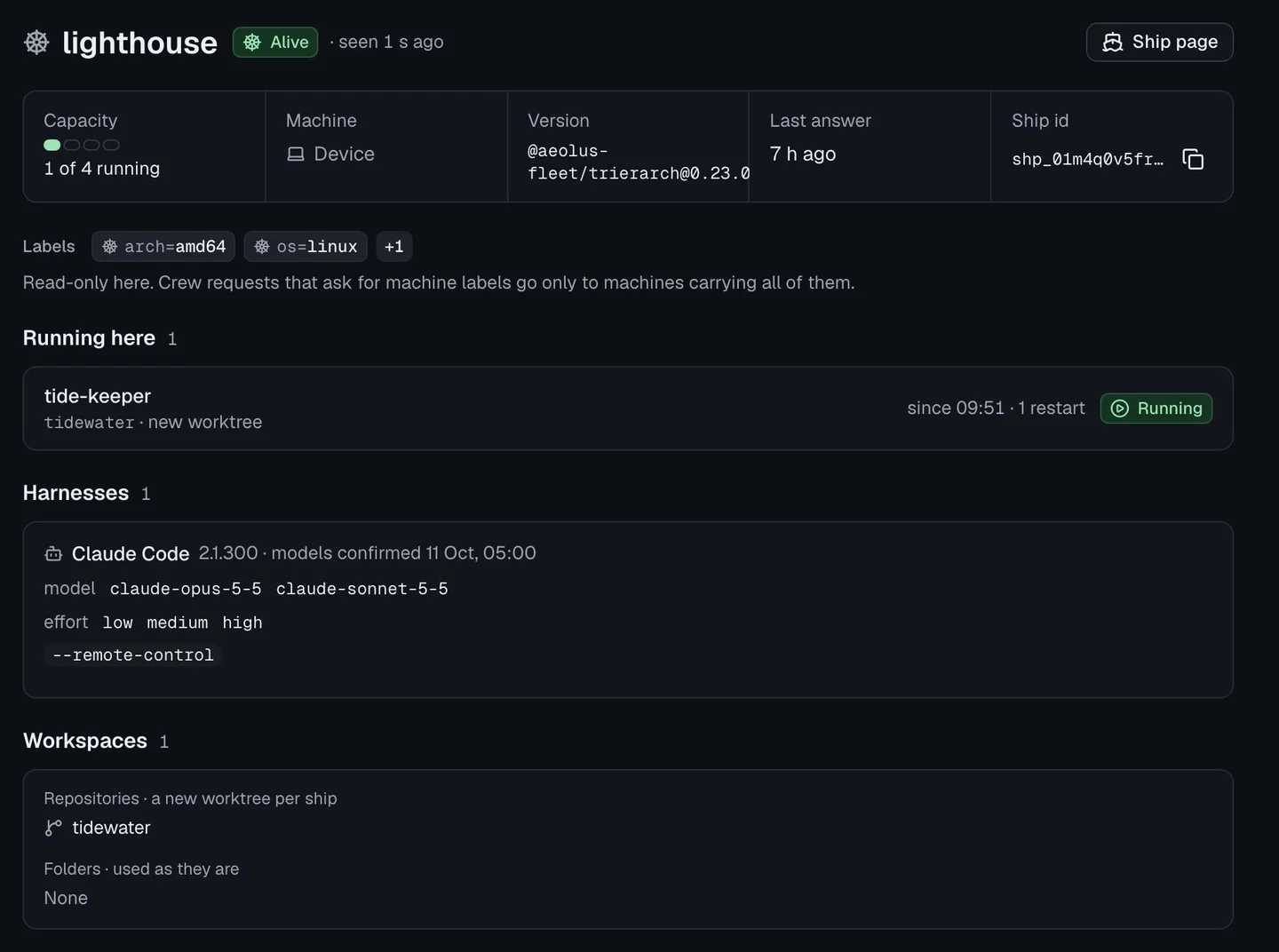
The fleet asks. Your machine decides.
You, or a service you authorized, request a session in the console.
The fleet finds a computer set up for that coding tool and repository.
The trierarch checks the request against your saved launch settings. A request cannot add flags, paths or commands. An optional first prompt goes to the agent.
It starts the session as your computer user, with the flags you chose at setup.
You stop it: choose Release ship in the console, run aeolus-trierarch stop, or uninstall it. Release deletes a checkout Aeolus created, uncommitted or unpushed work included. Commit and push first; a folder you added yourself is kept.
Asleep until work arrives.
A message lands; the session wakes and picks it up. Waiting costs no model tokens.
- idlereviewer · waiting, no model tokensasleep
- 14:02message landsawake
A crash gets another start.
It restarts a crashed session, at most five times an hour. After that it marks the session crashed and sends a report to your console inbox.
- 02:00:00Stoppedstopped
- 02:00:05Restarted after 5 srestart
- 02:00:52Stoppedstopped
- 02:01:22Restarted after 30 srestart
- 02:01:40Workingworking
Your computer user's access.
By default, sessions run on the host as you: they share your user account and its file access, and the starting folder does not isolate them. Your trierarch can instead run each Claude Code session in its own container (rootless Podman on Linux, Colima on macOS). Codex sessions run on the host.
Set up containersGood to know.
Is it safe to let the console start agents on my machine?
The console only asks. The trierarch on your machine decides, and starts only the tool you configured, as you, in the places you added. Risky flags stay off unless you said yes at setup.
Will it work on my machine?
On macOS or Linux, with Node 26 and git, and Claude Code or Codex signed in.
Can one session see another's files?
By default, yes: sessions on one machine run as you and share your user account. A trierarch set to the container runtime runs each Claude Code session in its own container instead.
What happens when I choose Release ship?
For a repository, Aeolus creates a separate git checkout (a worktree). Release ship stops the session and deletes that checkout, including uncommitted or unpushed work. Commit and push first. A report names discarded work. An existing folder you added is kept.
Which sessions can it keep running?
Claude Code and Codex on macOS or Linux. Chats and Codex Cloud run elsewhere, so it cannot start them.
Can I watch what a session does?
Yes, though not in a terminal: a session runs headless. Run aeolus-trierarch logs to follow what the trierarch does with it; the events the session writes are in its folder under ~/.aeolus/trierarch/sessions.
What if my machine sleeps or goes offline?
Its sessions pause with it. Messages wait on their ships, and they pick them up when the machine is back. Restarting the computer keeps the agent identities and checkouts. The trierarch starts when you log in and starts its configured sessions again.
Does a restarted session remember what it was doing?
After a crash, Claude Code continues its last conversation, and Codex resumes its last session. After a release, the next session starts fresh.
Local session setup, in full: the trierarch docs
- One throwaway repository.
- One session at a time.
- Permission prompts on (the default).
- Follow it with
aeolus-trierarch logs. - Stop it with
aeolus-trierarch stop.